
Learn APM Studio, step by step
Short, practical walkthroughs of APM Studio — from modelling your assets and connecting data sources to configuring alarms, KPIs and processing rules.
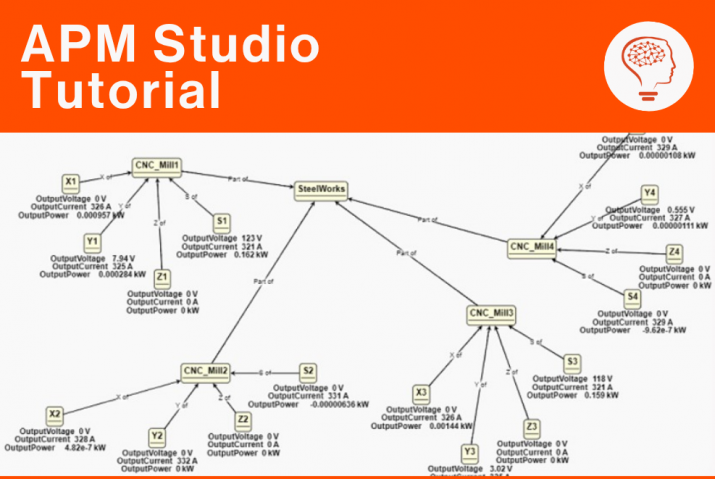
Object Models
Creating Object Models in APM Studio
Build Object Models in APM Studio, create asset instances from class definitions and link components into structures that mirror your real plant.
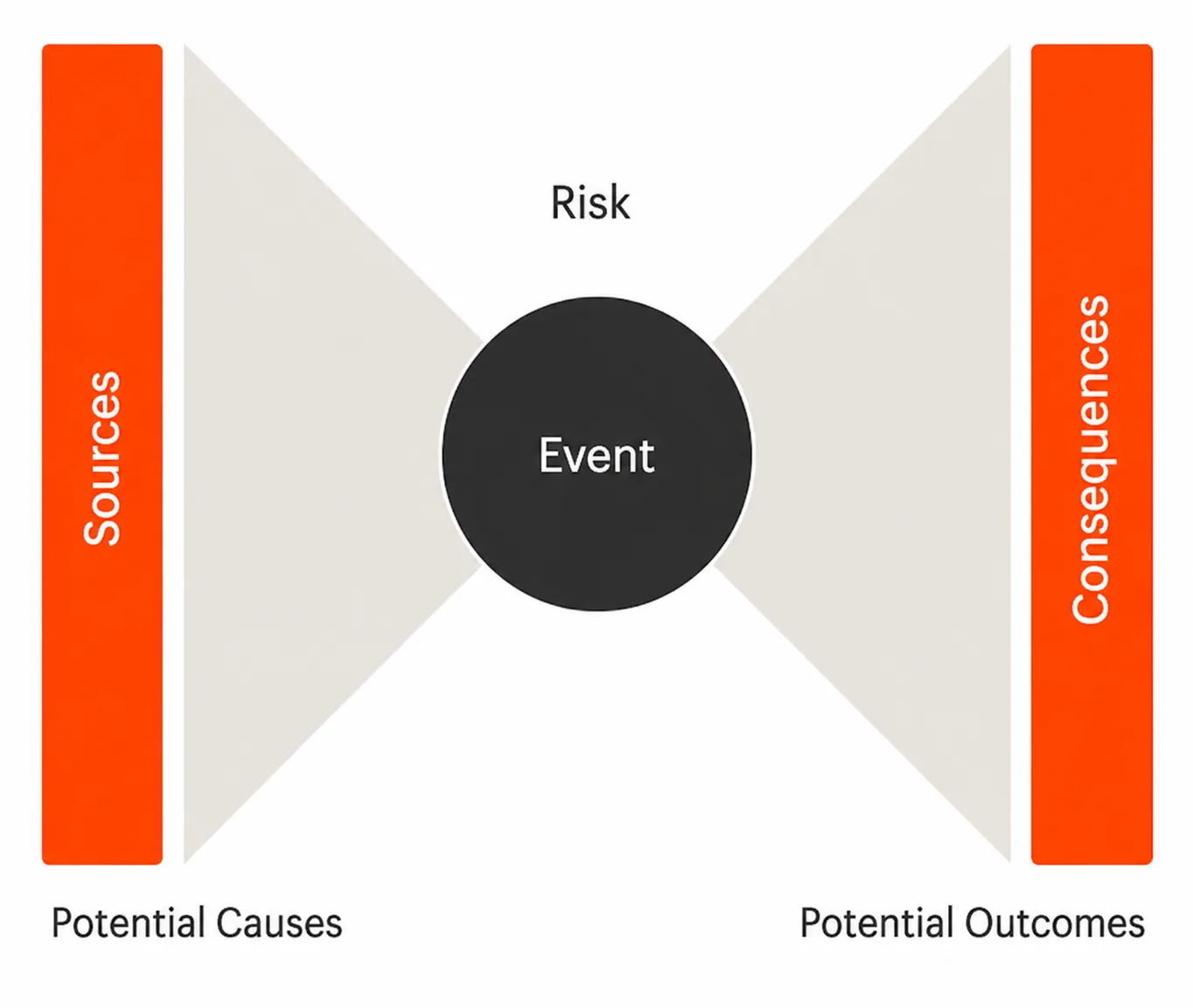
Bowtie Models
Bowtie Models in APM Studio
How Bowtie models in APM Studio map hazards to causes, consequences and barriers — and turn them into live, data-driven risk assessment.
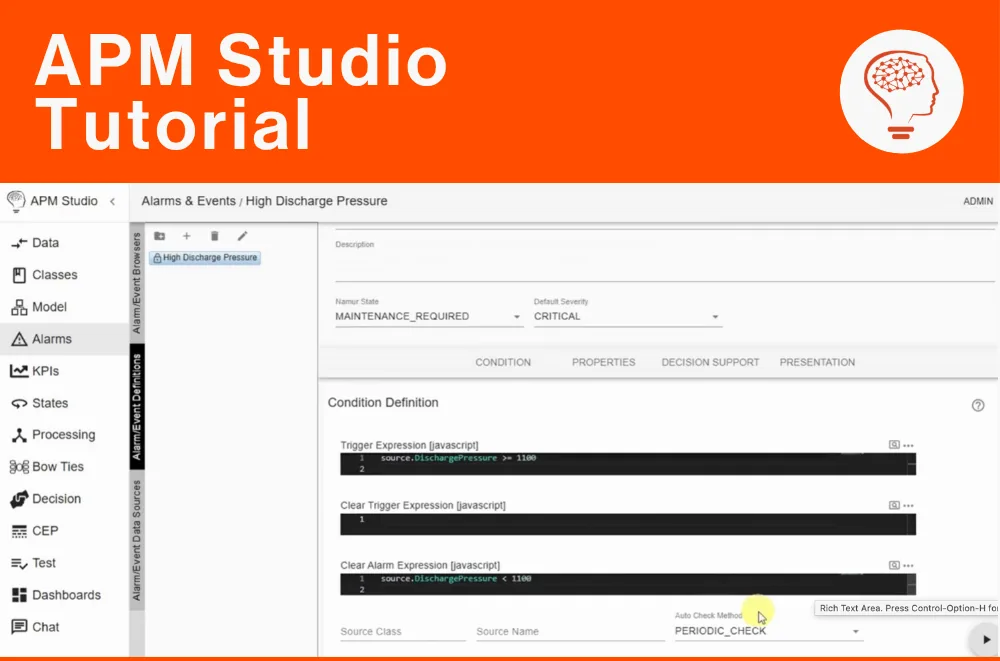
Alarms
Configuring Alarms in APM Studio
Learn how to configure alarms in APM Studio to detect abnormal conditions, trigger diagnostics, and improve monitoring of industrial assets and processes.

Processing Rules
Set-up of a Looping Processing Rule in APM Studio
Learn how to create a looping Processing Rule in APM Studio to run custom scripts, calculate Remaining Useful Life (RUL), and improve predictive maintenance.
State Models

State Models in APM Studio
Learn how to use state diagrams in APM Studio to reflect asset states and run rules only when conditions are right.
KPIs

Setting up KPIs in APM Studio
Learn how to set up KPIs in APM Studio to monitor asset performance, detect issues early, and automate alerts. This step-by-step guide covers KPI creation, linking to Classes, setting thresholds, and scaling across multiple assets for efficient operations.
Map View
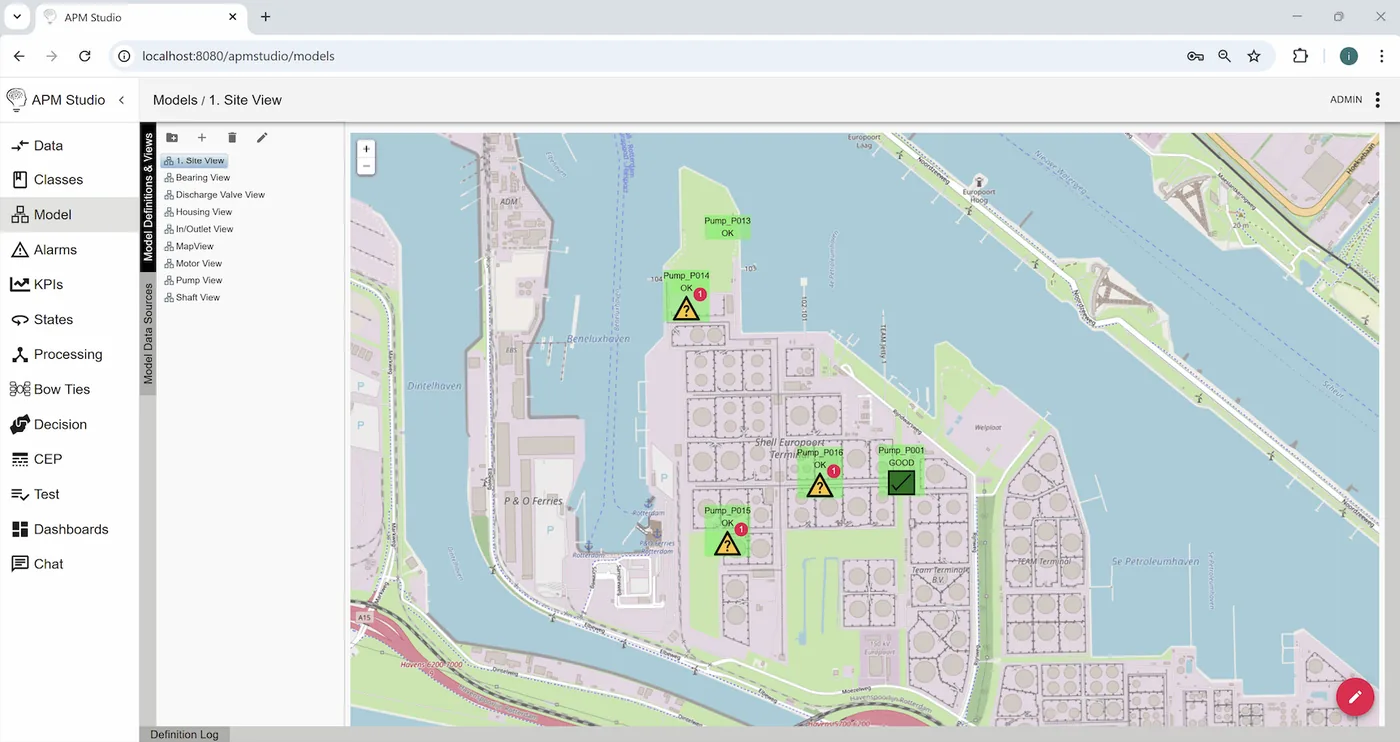
Using the Map View for Objects in APM Studio
Learn how to use APM Studio’s Map View to visualize object locations and statuses with OpenStreetMap, configure system preferences, and optimize model views for better map-based monitoring.
Connectivity

Set-up of a REST Call in APM Studio
Set up a REST Call in APM Studio using the Coindesk API to retrieve and log the current Bitcoin price, configure a REST Endpoint Task, set up a loop, process JSON data, and activate a Processing Rule for real-time updates.
Connectivity
Set-up of a Modbus TCP Master in APM Studio
This tutorial guides you through configuring a Modbus TCP Master connection to a Modbus TCP Slave using the Modbus Simulator for RS-232 and TCP/IP. Learn how to define data structures, set up the Modbus TCP connection, and configure IO-points (coils, discrete inputs, holding registers, and input reg
Classes

Creating Classes
Learn how to create Classes in APM Studio to structure your asset data efficiently. This step-by-step tutorial walks you through creating a new Control Valve Class, adding properties like Model, Setpoint, and Position, and linking it to a Master Class for seamless data inheritance.
Connectivity
Set-up of an OPC UA Client in APM Studio
A step-by-step guide to setting up an OPC UA Client connection to an OPC UA Server in APM Studio using the Prosys OPC UA Simulation Server.
Get real-time insights into the health of your assets
Talk to us about your assets and we will show you what continuous monitoring finds.