
Home/Resources/Digital Twin, DPP & AAS
Get a closer look at how APM Studio enables detailed drill-downs and time series visualizations that support fast diagnostics and smarter maintenance planning. This interactive demo reveals how teams configure dashboards to display trend data, map alarms, and compare asset behavior over time.
- Editable chart configurations for X/Y axes and data sources
- Data Source Manager for selecting model objects and alarm references
- Time Series Charts showing live and historical asset data
All APM Studio Demos
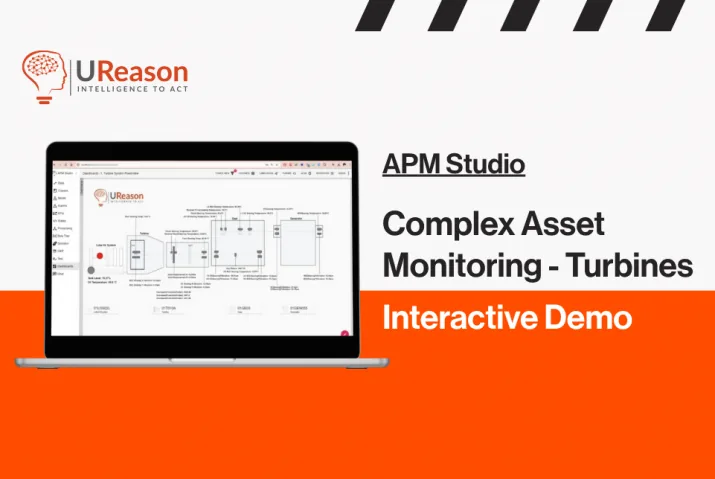
Interactive Demo: Complex Asset Monitoring for Turbines with APM Studio
This article explains the concept of Digital Twin, what a Digital consists of and how you can implement it in solving maintenance and operations problems.
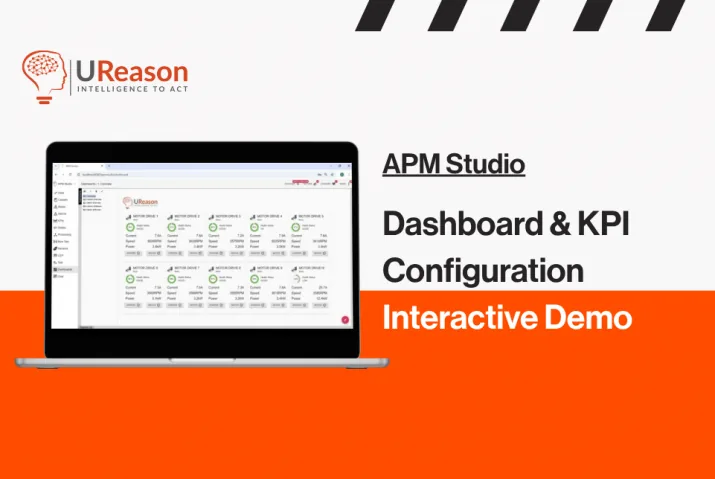
Interactive Demo: Dashboard and KPI Configuration with APM Studio
This article explains the concept of Digital Twin, what a Digital consists of and how you can implement it in solving maintenance and operations problems.
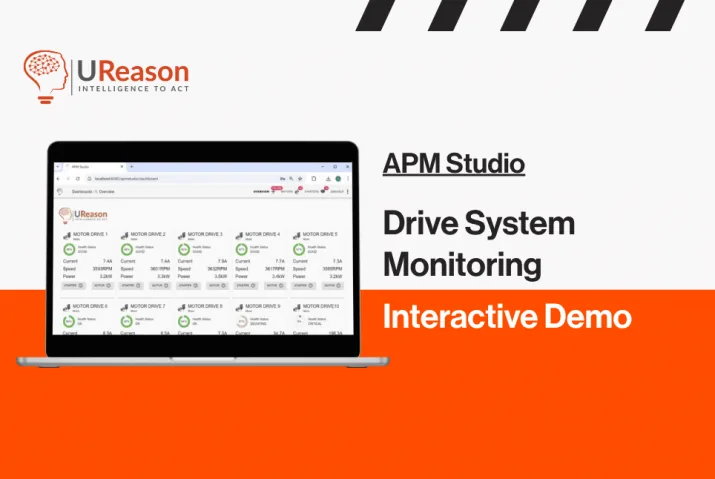
Interactive Demo: Drive System Monitoring with APM Studio
This article explains the concept of Digital Twin, what a Digital consists of and how you can implement it in solving maintenance and operations problems.
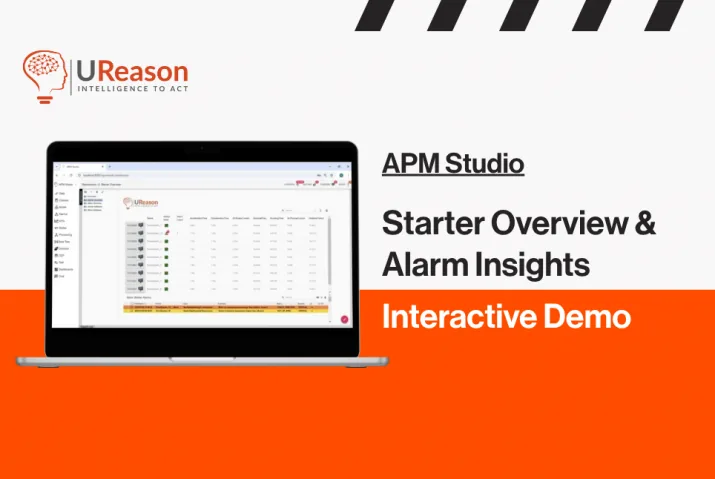
Interactive Demo: Starter Overview and Alarm Insights with APM Studio
This article explains the concept of Digital Twin, what a Digital consists of and how you can implement it in solving maintenance and operations problems.
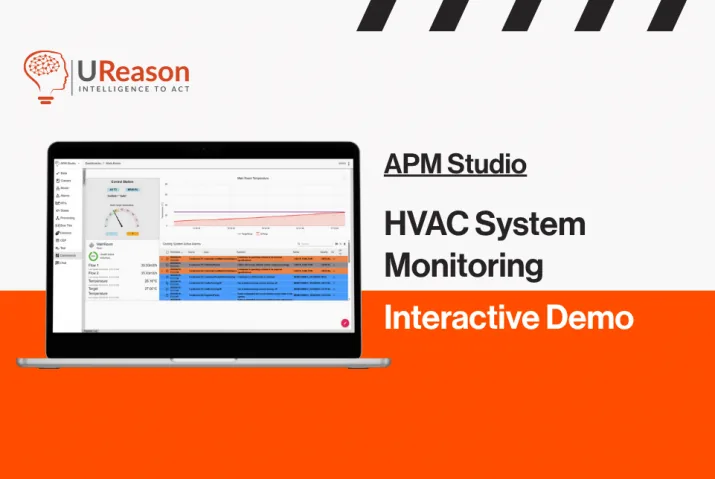
Interactive Demo: HVAC System Monitoring with APM Studio
This article explains the concept of Digital Twin, what a Digital consists of and how you can implement it in solving maintenance and operations problems.
- Read more
- Read more
- Read more
- Read more
- Read more