To create alarms in APM Studio, you must first create an Alarm Definition that will specify a class of alarms, various parameters of the alarms and in particular the conditions on which they will be created and cleared.
This short tutorial will show you how to:
- Create Alarm Definitions that will Allow you to configure alarms.
- Set the various parameters of the alarms and in particular the conditions on which they will be created and cleared.
- View the alarms that are created by the Alarm Definition.
Benefits of Alarms in APM Studio
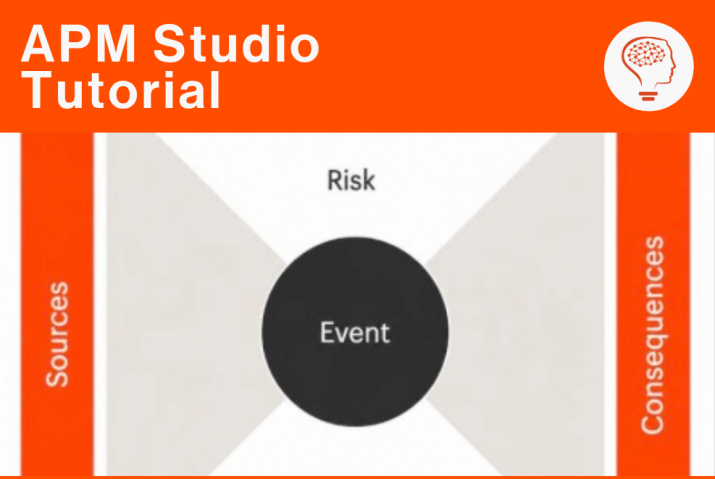
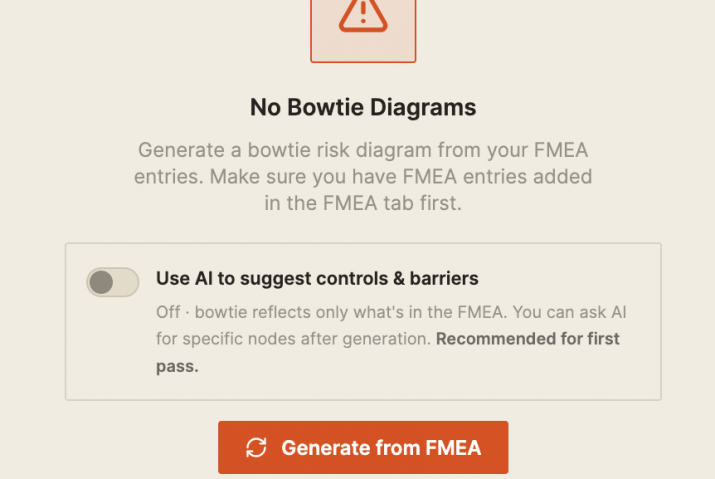
Alarms are a key part of APM Studio since they allow your application to detect and signal conditions and anomalies to users as well as triggering diagnostics such as Bowtie Models or Processing Rules and Decision Support Rules .
Background Information
APM uses the notions of “triggered alarms” and “active alarms”. A “triggered” alarm means that the result of a trigger expression in the Alarm Definition has been evaluated to true. For example, the inlet pressure of a pump is below some threshold. This does not mean that the alarm is actually active and visible in the browser. For an alarm to be active, other conditions must also be true. For instance, the low pressure alarm must have occurred more than 5 times for the same source within 1 minute.
Want expert guidance for your APM Studio configuration?
Book a call with Artur Loorpuu, Senior Solutions Engineer in Digitalization. Artur specialises in turning industrial challenges into practical digital solutions through expertise in predictive maintenance, digital twins, data science, and strategic product management.
Let’s explore how we can support your goals!